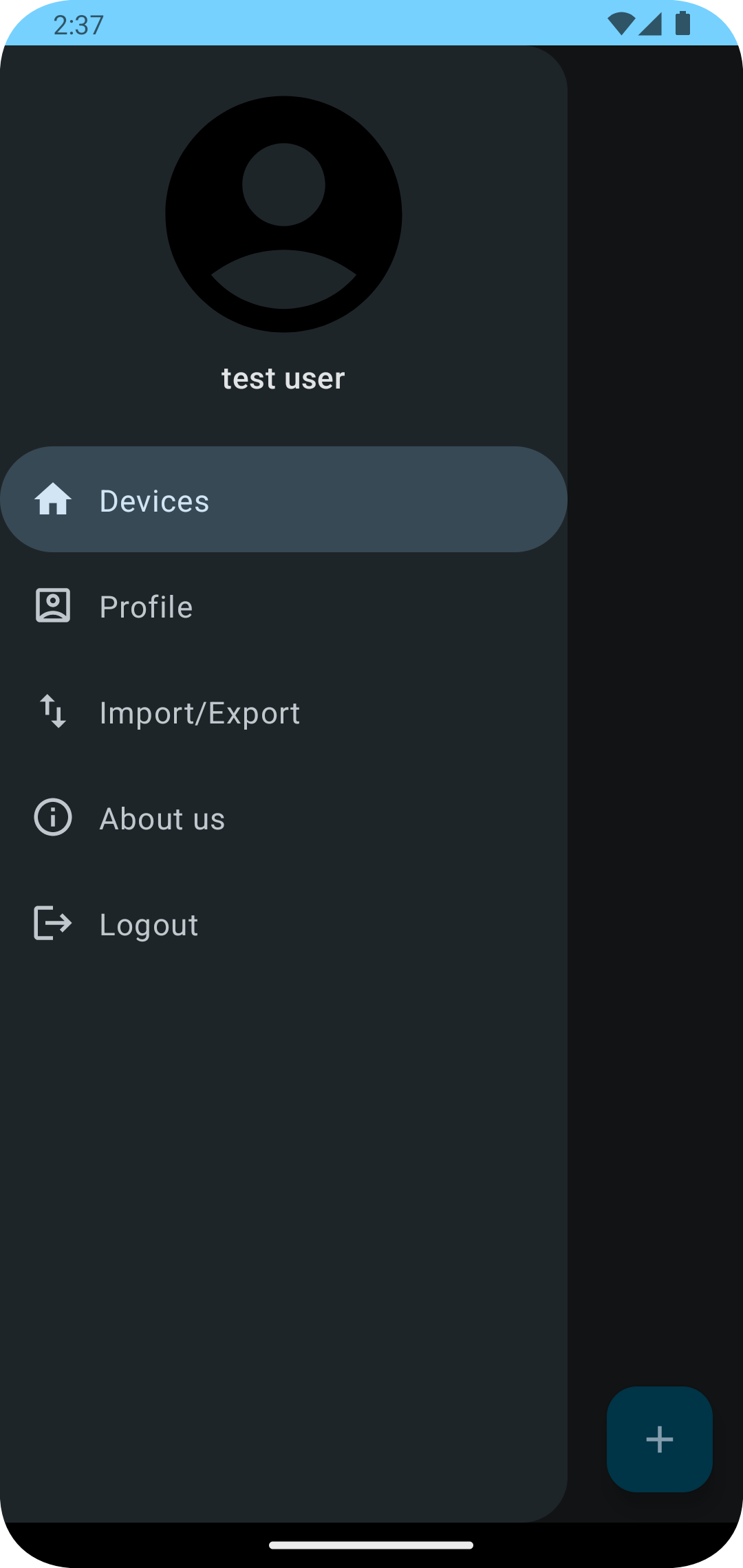
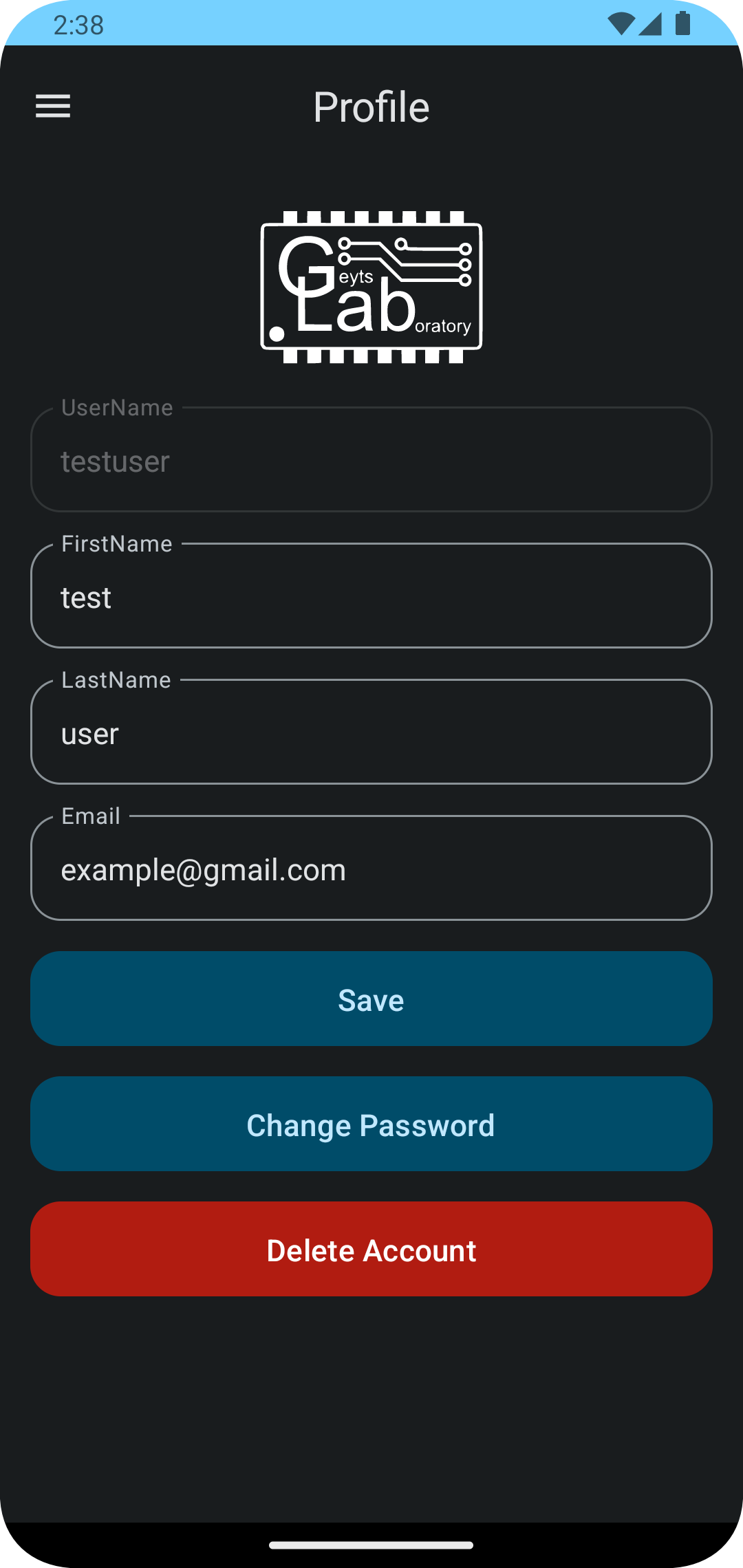
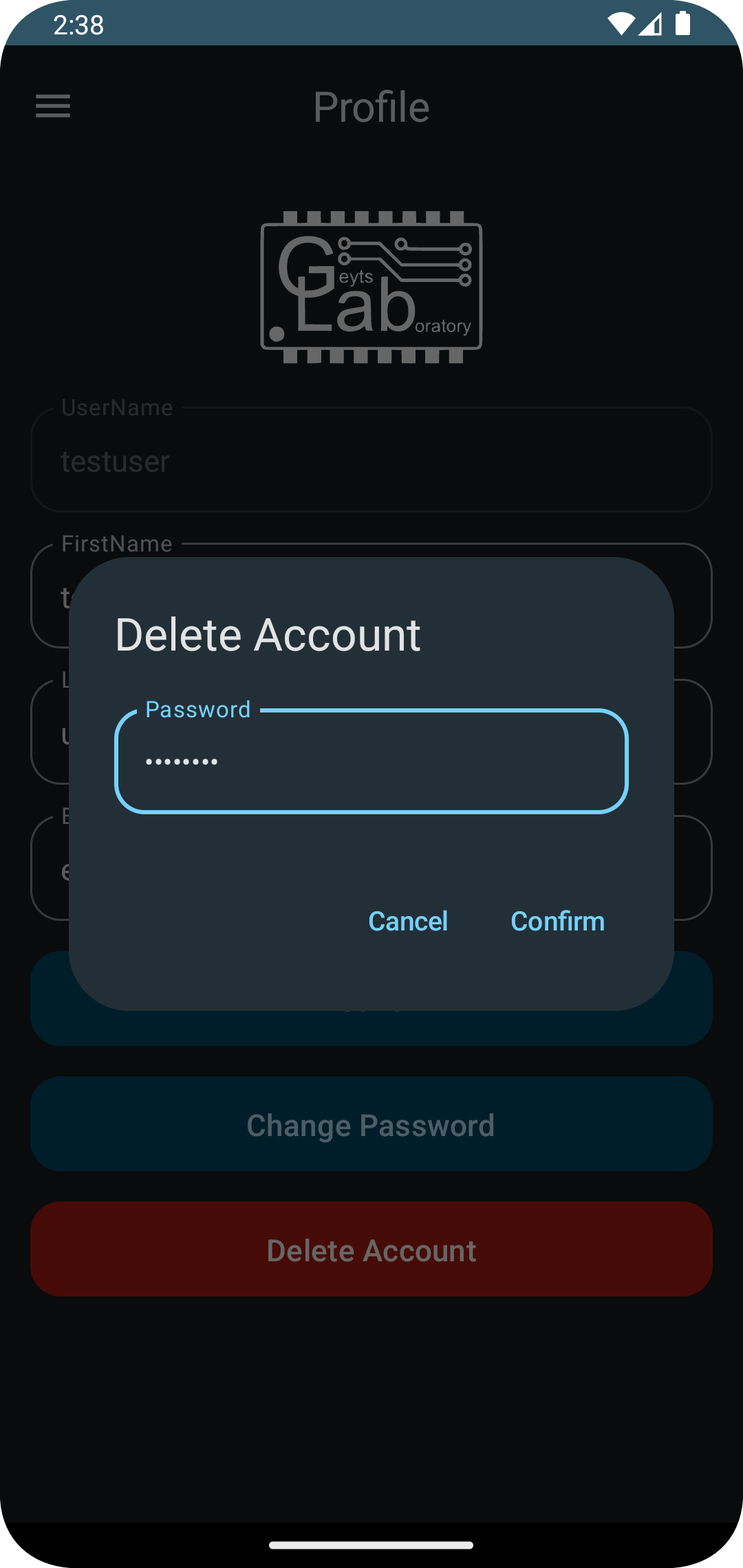
To delete your account - login into the GMonitorDemo mobile app, go to "Profile" and click the "Delete Account" button, in the prompted dialog enter your current password to confirm deletion. After that, all your data will be deleted, and you will be redirected to the login screen.